

Tachiyomi Troubleshooting Fix Tachiyomi issues
In this guide we will cover how to fix and trouble shoot tachiyomi extensions here is the step by step guide
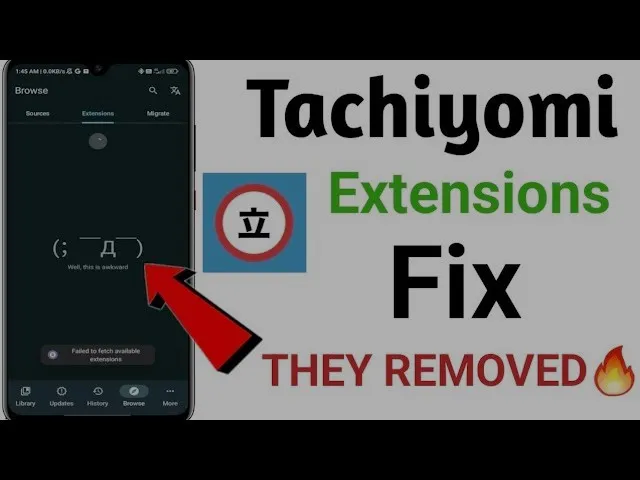
1. Tachiyomi Extensions Have Become Obsolete
- Tachiyomi extensions no longer work as their source is unavailable.
- To fix this, go to More Options > Settings > Browse > Extension Repos.
- Delete the default repo.
2. Installing Takomi Extensions Revived
- Open a browser and search for “Takomi Extensions Revived”.
- Click the first GitHub link.
- Scroll to Point #3 and copy the provided URL.
- Go back to Tachiyomi, open Extension Repos, tap Add, and paste the copied URL.
- Relaunch Tachiyomi, install any extension, and trust it.
- Now, you can read manga as before.
3. Fixing Connection Issues
- Some users face a “Connection Closed” error.
- Go to Settings > Connections > More Connection Settings or search DNS.
- Select Private DNS and enter dns.adguard.com, then save.
- Close and reopen your manga reading app.
4. Bypassing Cloudflare Issues
- If you see “Failed to Bypass Cloudflare”, open a browser and search “What’s my User Agent”.
- Copy the displayed user agent string.
- Open your manga app, go to Settings > Advanced > Default User Agent String.
- Replace the existing text with the copied user agent and save.
- Restart the app, and the issue should be fixed.
5. Alternative Manga Reader – Meon
- Tumi is no longer receiving updates, which may cause bugs and errors.
- Consider migrating to Meon for a smoother experience.
If you need help migrating from Tachiyomi to Meon, comment below for a guide.